For the best experience, openVeritaskon desktop.
Veritask MCP

Bring Veritask into your favorite AI assistant

Connect AI platforms like Claude directly to Veritask legal data. Research Indonesian regulations, draft contracts, and ask your legal AI — without ever leaving the AI app you already use every day.

ClaudeChatGPTCursorPerplexityGeminiCopilotMistral AI

One bridge between Veritask and the world of AI

MCP (Model Context Protocol) is an open standard that lets AI assistants connect securely to external data sources. Veritask MCP opens up the full power of LegalX — document templates, regulation search, and legal AI — so it can be called straight from Claude or any other AI platform.

Just add one connector. Your AI assistant can instantly read the latest Indonesian regulations and draft legal documents with the right context.

Included for every user.

Every account that signs up for Veritask automatically gets MCP access — no special plan or separate purchase required.

Claude

Claude

AI Assistant

ChatGPT

ChatGPT

AI Assistant

???

Other AI Assistants

Veritask MCP

mcp.veritask.ai

Templates

Legal Documents

Search Regulations

Legal Database

Ask AiYU

Legal Assistant

No app switching

Access Veritask regulations and templates right from your AI chat window. No new tabs, no manual copy-paste.

Trusted sources

AI answers are sourced from Veritask's Indonesian legal database, complete with article references — not just model guesses.

Secure & controlled

Authenticate through your Veritask account. Every connection needs explicit permission and can be revoked anytime.

Already included

Active automatically on every Veritask account. Sign up once and MCP is ready to use on any AI platform.

Draft faster

Ask the AI to draft agreements, SOPs, or official letters using Veritask templates as the framework — ready in minutes.

Open standard

Built on the Model Context Protocol, compatible with the ever-growing AI ecosystem, today and tomorrow.

Live in six quick steps

The example below uses Claude. The steps are similar on other AI platforms that support MCP connectors.

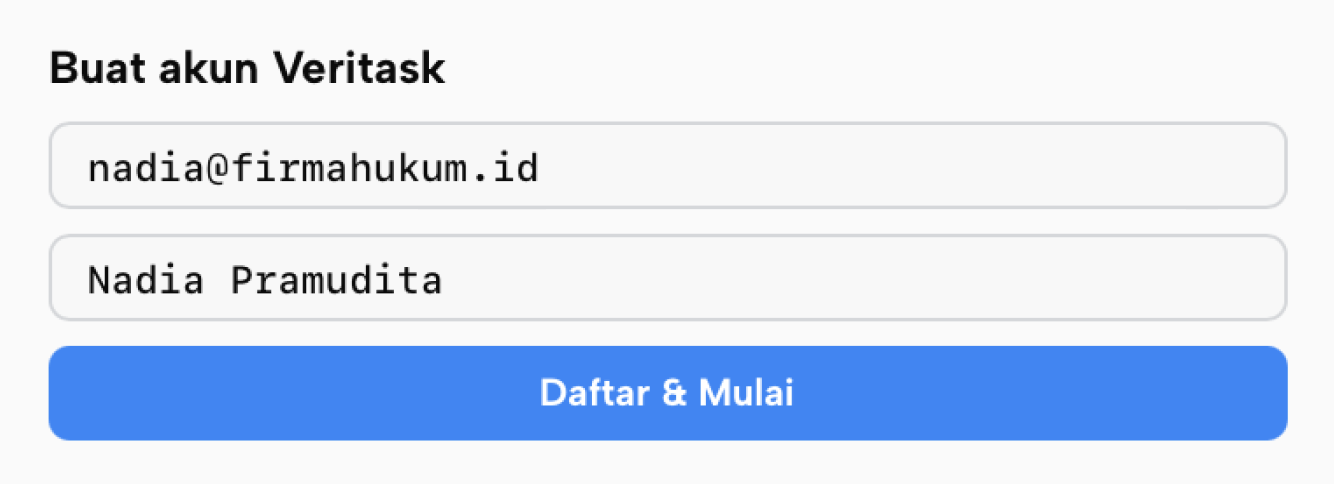
veritask.ai/en/register
1

Subscribe to Veritask

Create an account, then follow the quick onboarding.

claude.ai
2

Open the AI platform

Log in to Claude in the same browser window.

claude.ai/settings
3

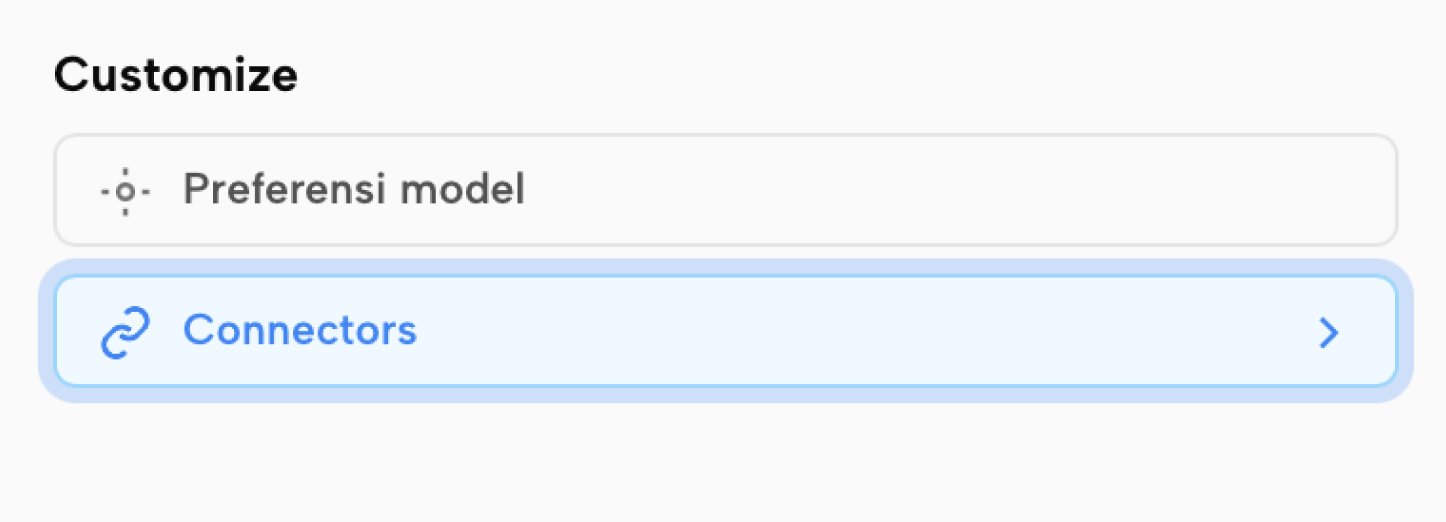
Go to Customize

Open settings, then choose Connectors.

claude.ai/settings/connectors
4

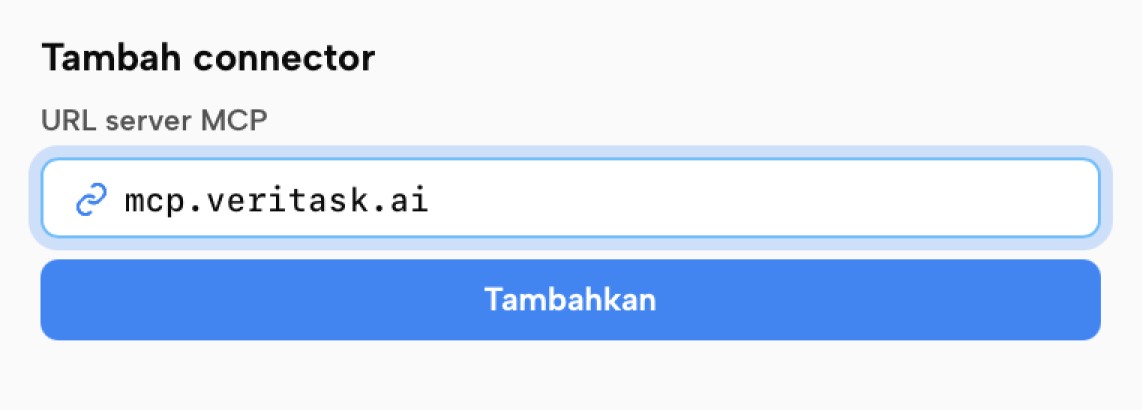
Add the connector

Enter mcp.veritask.ai in the URL field.

mcp.veritask.ai/oauth/authorize
5

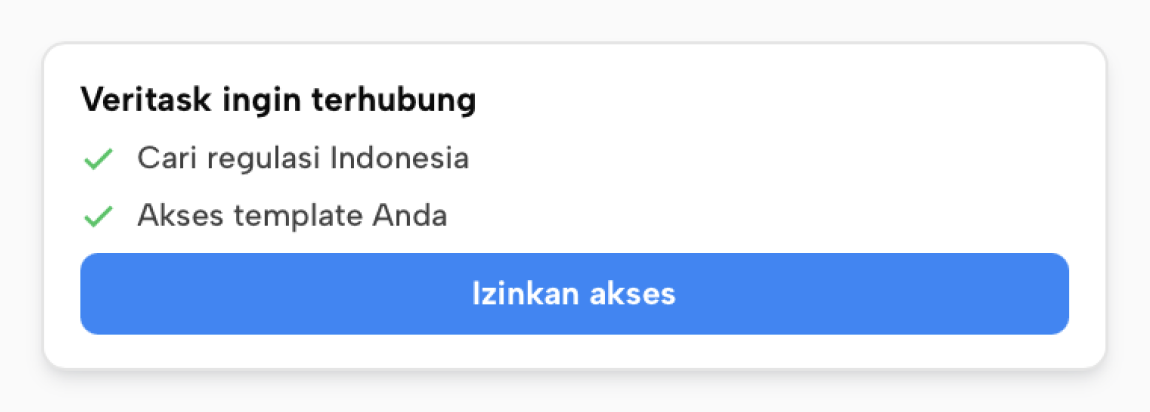
Authenticate

Approve with your Veritask account — one click.

claude.ai/settings/connectors
6

Done

Veritask is ready to use from your AI platform.

What you can do with Veritask on AI platforms

Legal Research

Research regulations in seconds

Ask anything about Indonesian law and the AI platform pulls the answer from the Veritask database, complete with official references.

What is the legal basis and maximum term for a fixed-term contract (PKWT)?
Veritasksearch_regulation("PKWT term")3 results

PKWT is governed by the Job Creation Law and Government Regulation No. 35/2021. Under these rules, a term-based PKWT is capped at a maximum of 5 years including extensions. There is no longer a probation period for a PKWT.

GR 35/2021 Art. 8Law 11/2020
Document Drafting

Draft from trusted templates

Ask the AI platform to prepare a document using a Veritask template as the framework — structured and ready to edit.

Draft a PKWT letter for an admin staff position, a 1-year contract.
Veritaskget_template("PKWT")Loaded

Here is a PKWT letter draft based on the Veritask template:

Simple Employment Contract — Admin Staff (PKWT)

Fixed-Term Employment Agreement

Not sure about MCP yet? Try Veritask directly first!

Start from the Veritask platform — research regulations, use templates, and ask the legal AI in one dashboard. MCP activates automatically the moment your account is created, ready whenever you are.